Capture at iPhone
Take a front photo or choose one from your photo library. ColgarBien Pro can clean the background automatically.
Photograph what you want to place with your iPhone and see in Vision Pro how it will look, in real scale, before touching the wall.
FROM POCKET TO WALL
Designed to make capturing easy on iPhone and deciding natural on Apple Vision Pro.
Take a front photo or choose one from your photo library. ColgarBien Pro can clean the background automatically.
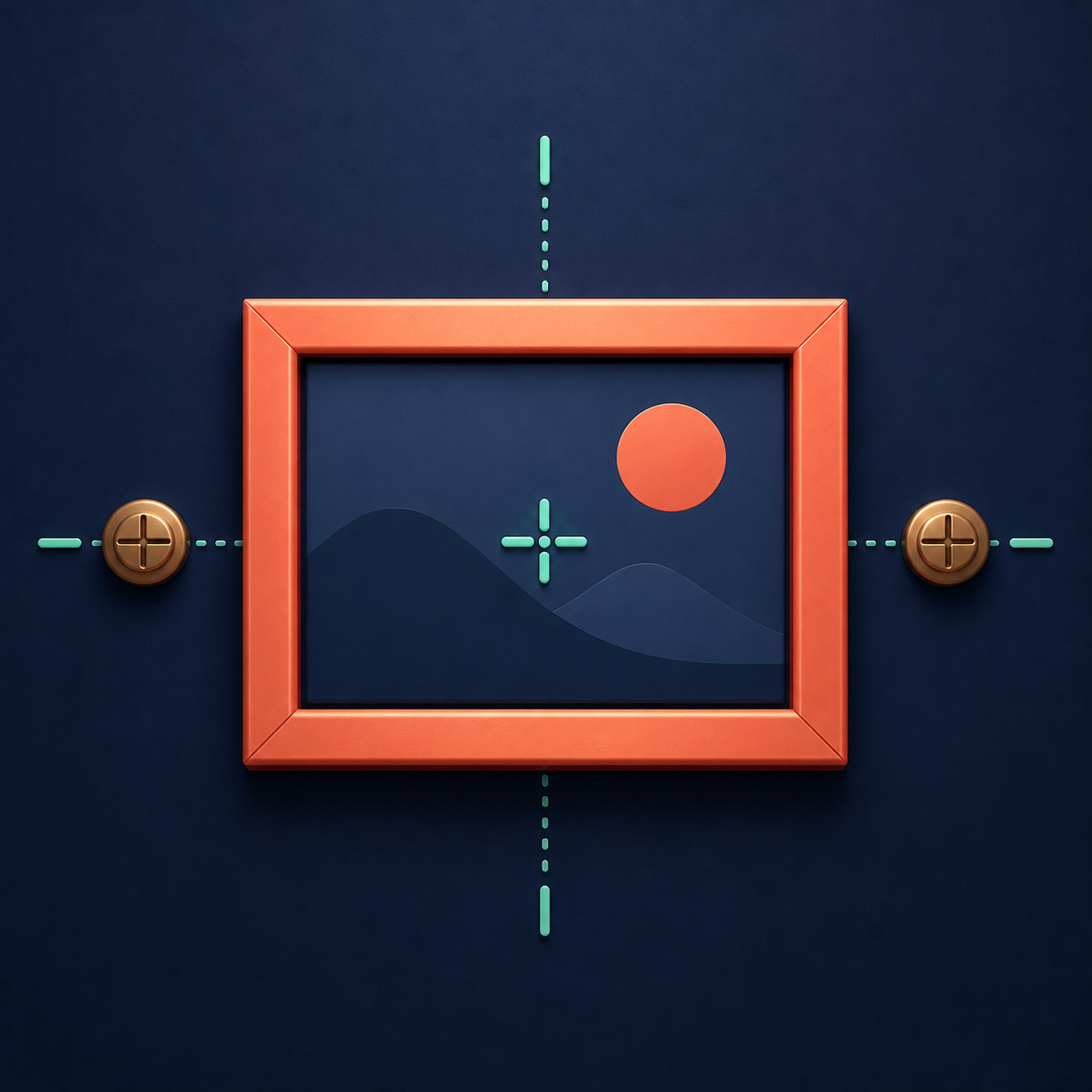
Indicates width, height and the position of the hooks. The app prepares a clear plan before drilling.
Open the project, view the full-scale object on a detected wall and move it until you find its place.
PRECISION WITHOUT COMPLICATIONS
ColgarBien transforms a photo and simple measurements into a useful spatial reference. It doesn't try to replace your tools - it helps you get to drilling time with your design figured out.
Please check proportions and height before punching or purchasing.
View the center, rail, or two mounting points.
Your photos and measurements travel through your personal iCloud account.
Organize paintings, mirrors, shelves and decoration without limit.
START FREE
No ads, no monthly payments and without creating another account.
$0
$249 MXN
FREQUENTLY ASKED QUESTIONS
ColgarBien is intended as a practical and private visual aid.
The iPhone is used to capture and prepare your objects. Vision Pro is necessary to place them at full scale on the wall. In iPhone you can also save measurements and consult the assembly drawing.
The app uses the measurements you record to create the object in its actual size. The final accuracy depends on those measurements being correct and the detection of the gap.
No. They are saved on your device and, with Pro, synced privately through your personal iCloud account.
No. Before drilling you must check the wall with suitable tools and use fixings compatible with the material and weight.
COLGARBIEN